![White Teledentix Logo.png]](https://help.teledentix.com/hs-fs/hubfs/White%20Teledentix%20Logo.png?height=40&name=White%20Teledentix%20Logo.png)
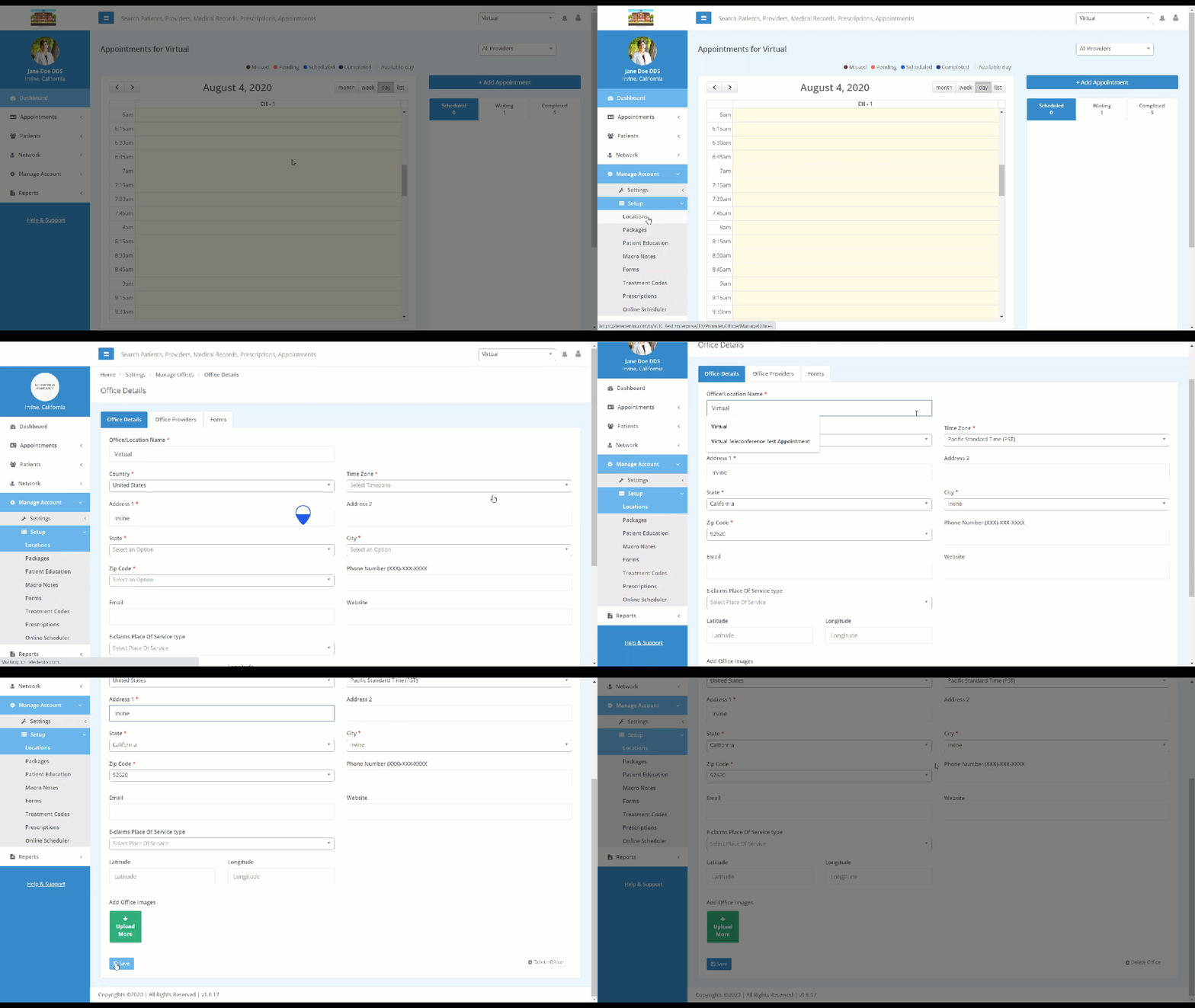
To edit your office details:
- Select "Manage Account" on the left-hand side dashboard.
- Select "Setup" from the drop-down list.
- Select "Locations".
- Find the location you wish to edit, and select the "Edit" button under the Action column.
- Edit your office details in the prompt at the center of the screen.
- Click the "Save" button to confirm your edit and save the details.